





Face Matching vs Selfie Verification: Differences and Which to Use (2026)

By Agrima Dwivedi
 Open in ChatGPT
🗒️ Key Highlights
- Face matching compares two face images, such as an ID photo and a selfie, and returns a similarity score. On its own, it can't tell whether the selfie came from a live person.
- Selfie verification combines face matching with liveness detection, which checks that a real person is in front of the camera rather than a printed photo, a screen replay, a mask, or a deepfake.
- For remote onboarding, standards now expect liveness: NIST's SP 800-63-4 requires presentation attack detection tested to ISO/IEC 30107-3 when biometrics are collected remotely.
- Plain face matching still fits checks where a real person is already confirmed present, such as in-person verification or comparing against a liveness-checked selfie on file.
Quick answer: Face matching and selfie verification aren't competing technologies. Face matching compares two images of a face, usually the photo on an ID and a selfie, and scores how likely they show the same person. Selfie verification is the fuller process: it captures a live selfie, runs a liveness check to confirm a real person is present, and then uses face matching to compare that selfie with the ID photo. For remote onboarding, you need both, because face matching alone can be fooled by a photo, a screen replay, or a deepfake.
The short version:
- Face matching answers "is this the same person?"
- Liveness detection answers "is this a real, live person in front of the camera right now?"
- Selfie verification combines the two, usually alongside document verification.
💡 Related Blog:

Face Matching VS Selfie Verification: What’s Really Different?
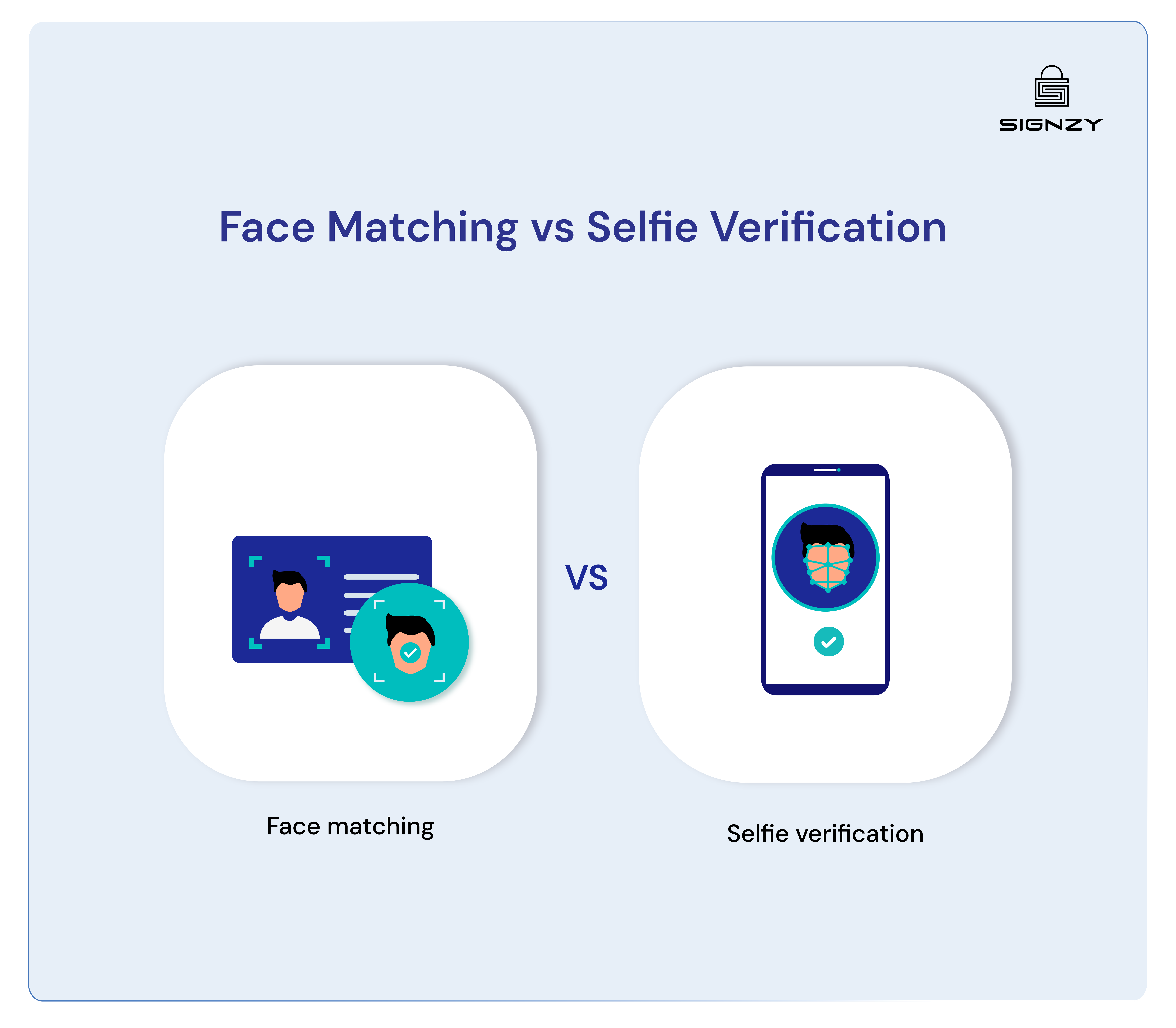
Think about the last time you went through airport security. The officer looks at your passport photo, then at your face – that’s essentially face matching.
Now imagine a video call with a friend where you can see them move and respond in real time – that’s more like selfie verification. Face matching technology takes two images – typically a photo ID and another photo – and analyzes whether they show the same person.
Much like a security guard comparing a passport photo to the person standing in front of them, face matching technology examines facial features to determine if there’s a match.
Selfie verification adds a liveness check. Active liveness asks the user to do something, such as turn their head or follow a prompt. Passive liveness analyzes a selfie or short video without asking for any action, which keeps drop-off low.
Key Differences at Glance
| Aspect | Face matching | Selfie verification |
|---|---|---|
| What it checks | Whether two face images show the same person | Whether a live person is present, and whether they match the ID photo |
| Inputs | Two images, such as an ID photo and a selfie | A live selfie or short video, plus the ID photo |
| Protection against spoofing | None on its own | Liveness detection against photos, screen replays, masks, and deepfakes |
| User effort | None beyond providing the images | A few seconds; passive liveness needs no extra action |
| Typical use | Comparing images already collected, or supervised in-person checks | Remote onboarding, account recovery, and high-risk transactions |
| Main risk | Accepting a photo or deepfake of the real ID holder | Injection attacks that bypass the camera, unless separately defended |
Face Matching VS Selfie Verification: Complete Comparison
- Process
Face matching starts work whenever someone submits their photo ID and a second image.
The system identifies key facial features in both images – these could include the distance between eyes, nose shape, and other unique characteristics. It then creates mathematical representations of these features and compares them to determine similarity. The process is quick, often taking just seconds to complete.
Selfie verification adds a liveness step before the comparison. With active liveness, the user turns their head, blinks, or follows a prompt; with passive liveness, the system analyzes a single selfie or short video for signs of a spoof without asking for any action.
The system looks for signs of a presentation attack, such as paper texture, screen edges, masks, or unnatural depth, and in stronger systems for signs that the video was injected rather than captured by a real camera.
- Security Features
Security is where the two differ most. Fraudsters increasingly use deepfakes and injected video: Entrust's 2026 Identity Fraud Report found deepfakes in about one in five of the biometric fraud attempts it saw, with injection attacks up 40% year over year.
Face matching excels at confirming identity through comparison. Its strength lies in detecting whether two images show the same person, making it effective for initial identity verification. However, it may struggle with detecting sophisticated spoofing attempts, such as high-quality printed photos.
Selfie verification adds additional security layers through its liveness detection capabilities making it a better choice for identity verification and KYC requirements.
By analyzing movement, texture, and depth, it can distinguish between a real person and various spoofing attempts. This makes it particularly effective against common fraud techniques, including printed photos, screen displays, and masks.
Two standards are worth asking vendors about: ISO/IEC 30107-3 for testing presentation attack detection, often through independent labs such as iBeta, and CEN/TS 18099 for injection attack detection. NIST's final SP 800-63-4 guidelines, published in July 2025, require both kinds of protection for remote identity proofing.
Here’s how both stack up across key security parameters:
| Security feature | Face matching alone | Selfie verification |
|---|---|---|
| Confirms the same person | Yes | Yes |
| Detects printed photos and screen replays | No | Yes |
| Detects masks | No | Yes, depending on liveness strength |
| Detects deepfakes | No | Partly; needs strong liveness and injection detection |
| Detects injected video | No | Only with injection attack detection |
| Suitable for unsupervised remote onboarding | No | Yes |
- Accuracy and Errors
Biometric systems make two kinds of error. A false match, or false accept, wrongly accepts someone, for example an impostor who looks like the ID holder. A false non-match, or false reject, turns away a genuine customer, often because of poor lighting, a low-quality camera, or an old ID photo.
Both depend on the algorithm and on the threshold you set: a stricter threshold lowers false matches but rejects more genuine users. Independent tests such as NIST's face recognition evaluations (FRTE) compare face matching algorithms, but they don't measure liveness, which is tested separately.
Liveness checks have their own error rates too. A good provider lets you tune thresholds by use case and routes borderline results to manual review rather than rejecting customers outright.
- Scalability and Performance
The risk of fraud increases with scale – when more money flows through a system, it attracts more sophisticated attempts at deception.
Face matching on its own needs little computing power per check, so it works well for batch processing and high-volume scenarios.
The storage requirements remain relatively constant, primarily needing space for reference images and matching algorithms.
Selfie verification, with its real-time processing needs, demands more robust infrastructure. The system must handle video streams, process multiple frames, and run complex algorithms simultaneously. However, modern cloud solutions have made this more manageable, with costs scaling proportionally to usage.
What’s Right For You?
In practice, the choice depends on how much you can trust that the image comes from a real person who is actually there.
When To Go With Face Matching
Face matching on its own fits when a real, present person is already confirmed some other way, for example:
Ideal scenarios include:
- In-person checks where staff can see the customer
- Comparing a new selfie with a liveness-checked selfie already on file, inside an otherwise secured session
- Looking for duplicate accounts by comparing photos you have already collected
- Employee or venue access where the camera is controlled
In these cases the risk of a spoof is controlled in other ways, so a plain comparison is enough.
When to Go With Selfie Verification
Selfie verification is the right choice whenever a customer verifies themselves remotely, without anyone watching.
Ideal scenarios include:
- Digital banking platforms with strict compliance needs
- Ongoing authentication for sensitive operations
- Cryptocurrency withdrawals and trades
- Remote account recovery processes
- High-value financial transactions
- Remote customer onboarding and KYC
In these cases, the additional security layers and active liveness detection justify the slightly longer verification time and infrastructure requirements.
Next Steps
Understanding the differences between face matching and selfie verification sets the foundation for better security decisions. However, implementing these technologies requires careful consideration of integration capabilities, vendor expertise, and ongoing support.
Signzy's Face Match API and Liveness Check API work together for selfie verification, alongside document checks. For more detail, see our guides to face verification vs face recognition, biometric verification, and injection attack detection. Book a demo to test them in your onboarding flow.


FAQ
What is the difference between face matching and selfie verification?

Can face matching be fooled by a photo?
What is liveness detection?
How does selfie verification stop deepfakes?
What happens if selfie verification fails?
Which should financial services use?
Agrima Dwivedi
Agrima is an Associate Product Marketer at Signzy, currently working in the B2B fintech space. She brings over two years of experience in copywriting and content writing, which laid the foundation for product marketing. Today, she leverages both creative and strategic skills to drive go-to-market efforts and build user-focused marketing strategies.

Related Blogs
View all

Selfie Identity Verification: How It Works and Why Liveness Matters
![Face Verification vs Face Recognition [Full Comparison]](https://cdn.sanity.io/images/blrzl70g/production/5546cd495e8218c428e6e012dfde6ff360afc605-2560x600.webp)
Face Verification vs Face Recognition [Full Comparison]

What Is Biometric Verification? How It Works and How Secure It Is (2026)

Injection Attack Detection: The Certificate You Have Covers the Wrong Attack
The best in business


The global API marketplace for KYC, KYB, & AML
Explore the end-to-end verification stack trusted by 1,000 businesses.
Get in touch